1. Javascript "Recycling Quiz" Exercise
Using the Space Quiz file as a reference, create a 10 question quiz that addresses recycling related facts using Javascript.
Due for review at start of next class
2. Put together a Moodboard for Project 1.
Moodboard should address 1) color scheme options [type, background, link states color, etc], 2) typography choices [primary + secondary typefaces], and 3)inspirational imagery that address style and aesthetically initial concepts that you plan on utilizing in your design comps.
Save board as a PDF for review at start of next class.
3. Send out Recycling Survey to at least 10 people that fits within the project target audience.

Thursday, January 30, 2014

Tuesday, January 28, 2014
Design For Social Change Resources
Reunite The River (Colorado River Preservation sponsored by Silk)


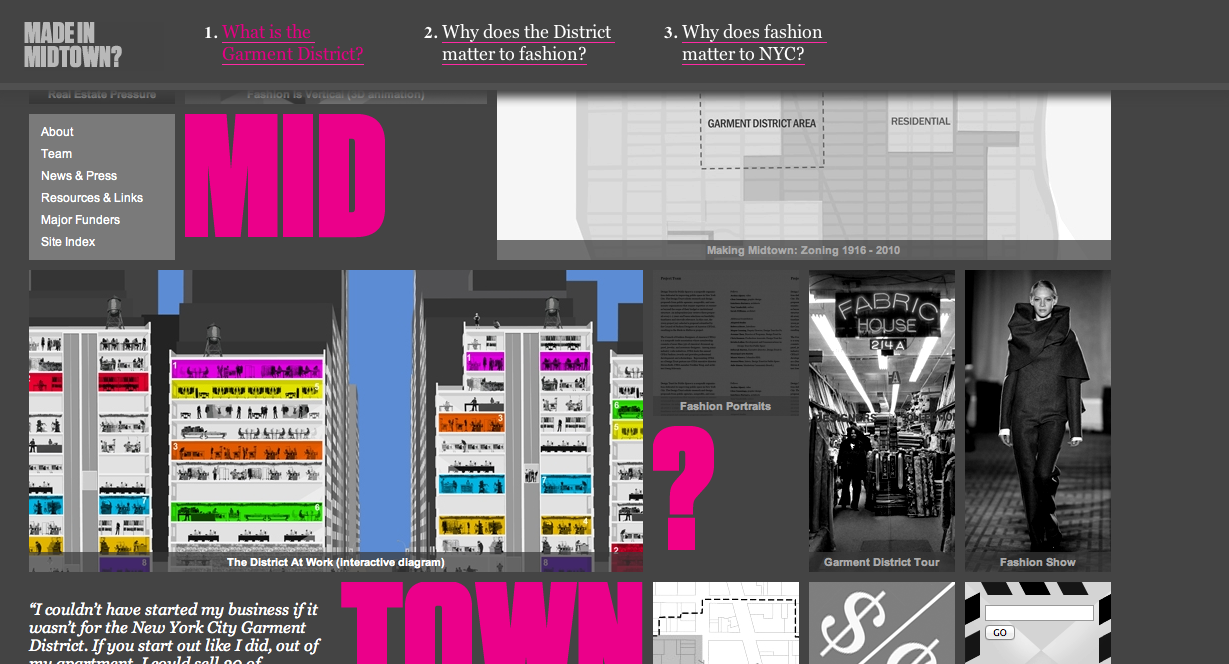


Made in Midtown (Campaign to educate people about the Garment District in NYC, tell story about the industry and the neighborhood as an integral part of New York City's economy, identity, and sense of place)
Foodstalk (Support Local Food and Goods)
Tapped - documentary examines bottled water industry and its long term effects socially, economically and ecologically (Watch Full Movie Online)
Monday, January 27, 2014
Week 3 Day 1 - Tuesday, Jan 28 - Homework
1. Proposal, thumbnail sketches (20 or more potential layouts), Wireframes, Flowchart for project 1 due for review Thursday Jan 30, 8:30am.
2. Bring in 10 images (roughly 500px by 200px), cropped to the same size to next class.
2. Bring in 10 images (roughly 500px by 200px), cropped to the same size to next class.
Wednesday, January 22, 2014
Week 2 Day 2 - Thursday, January 23 - Homework
1.Work on Planning & Conceptual Phase of Project 1. Begin working on project Proposal, thumbnail sketches (20 or more potential layouts), Wireframes, Flowchart for chosen site re-design due for review Thursday Jan 30, 8:30am.
Project Proposal/Project Evaluation should address
a)Do Research (read through all pages, all content, understand organization goals)
b)Outline the scope (what work will be done to project;apply SLIP and SHE model, list specific problems and solutions)
c)Create a timeline for the project (design, content prep, development)
Project Proposal/Project Evaluation should address
- Target Audience
- Summary of Website Goals/Mission
- Design/Usability problems and solutions
a)Do Research (read through all pages, all content, understand organization goals)
b)Outline the scope (what work will be done to project;apply SLIP and SHE model, list specific problems and solutions)
c)Create a timeline for the project (design, content prep, development)


Subscribe to:
Posts (Atom)